How to HARD RESET Huawei P30 Lite P30 P30 Pro - როგორ დავაფორმატოთ Huawei P30 Lite P30 P30 Pro
27.03.2020
08:01
How to HARD RESET Huawei P30 Lite P30 P30 Pro 1. Turn Off your Smartphone 2. Press the Vol+ and Power Button together 3. Select Wipe Data/Factory Reset 4. Write YES and Select Wipe Data/Factory Reset 5. Select Wipe Cache Partition 6. Select Reboot System Now ================================================= Facebook: / Telegram: https://t.me/gsmgeorgia ================================================= #GSMGEORGIA #HowToHARDRESETHuaweiP30LiteP30P30Pro #HuaweiP30LiteP30P30Pro

მსგავსი ვიდეოები

How to Hard Reset SAMSUNG Galaxy A01 | როგორ დავაფორმატოთ SA...
GSM Georgia

How to Change : மொழி,Language,زبان,ენა,भाषा,ಭಾಷೆಯನ್ನು,भाषा,...
Button Set

BUMshankar - Carve your way feat. Lasha Rukhadze (Official V...
bumshankarmusic

Terenti Graneli - "I Think of You" Translation / ტერენტი გრა...
ჩვენი ქართული სიმღერები / Our Georgian Songs

ტექსტის გარჩევა B1 დონე "Signatures"
Natia Gonashvili
ტოპ 5 თამაში საშუალო კომპიუტრებისთვის #3
Video Lessons

Crispy Potato Samosa Recipe | Easy Samosa Recipe | Ramadan S...
Food Fashion
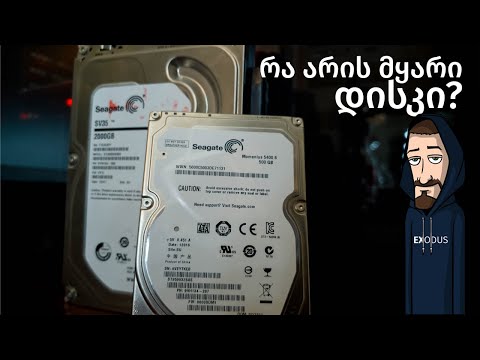
რა არის მყარი დისკი (Hard Drive) და როგორ შევამოწმოთ რამდენა...
EXODUS